Take Control of Your Finances with Fino AI

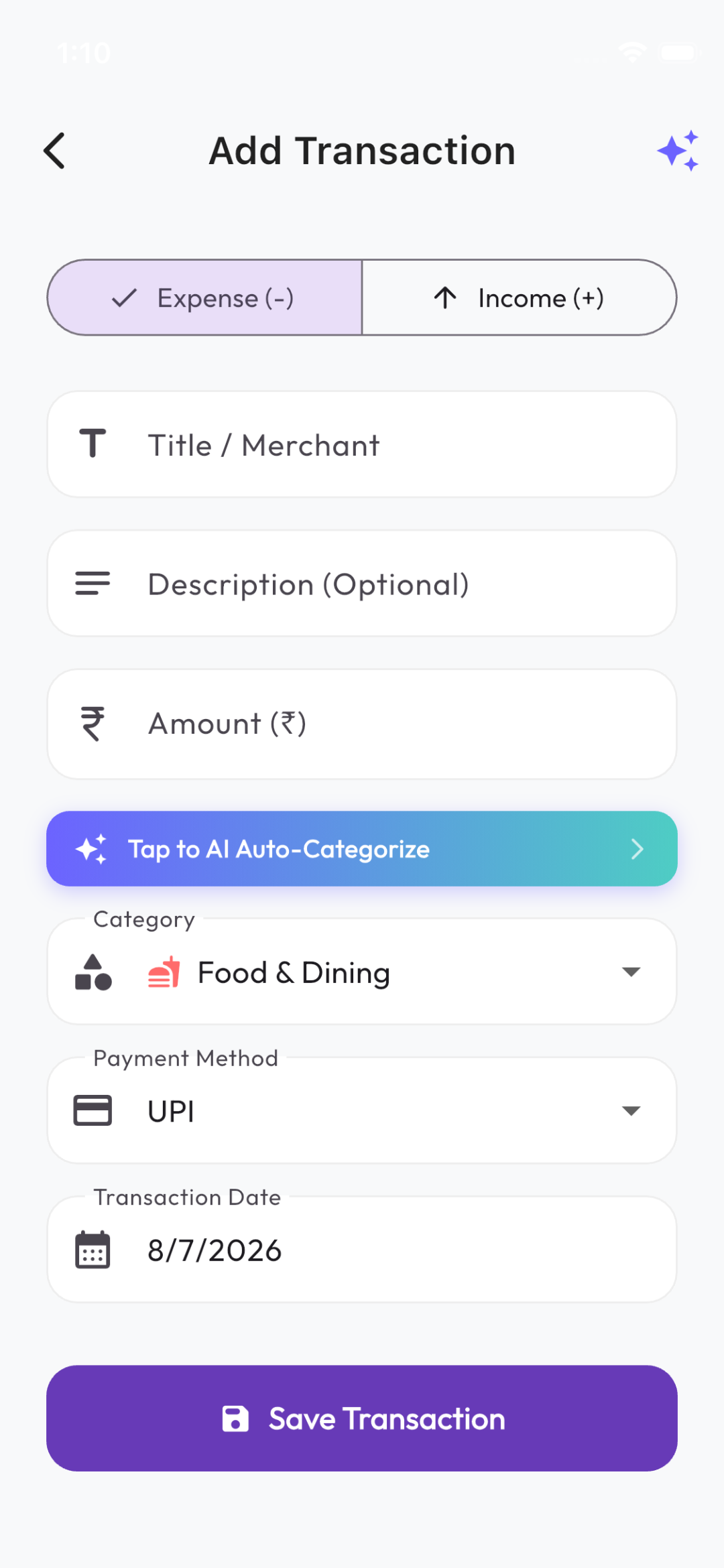
Smart Expense is a state-of-the-art mobile personal finance app. It combines secure sync and offline guest capabilities with powerful Fino AI receipt scanning, voice-based expense entry, and instant financial summaries.
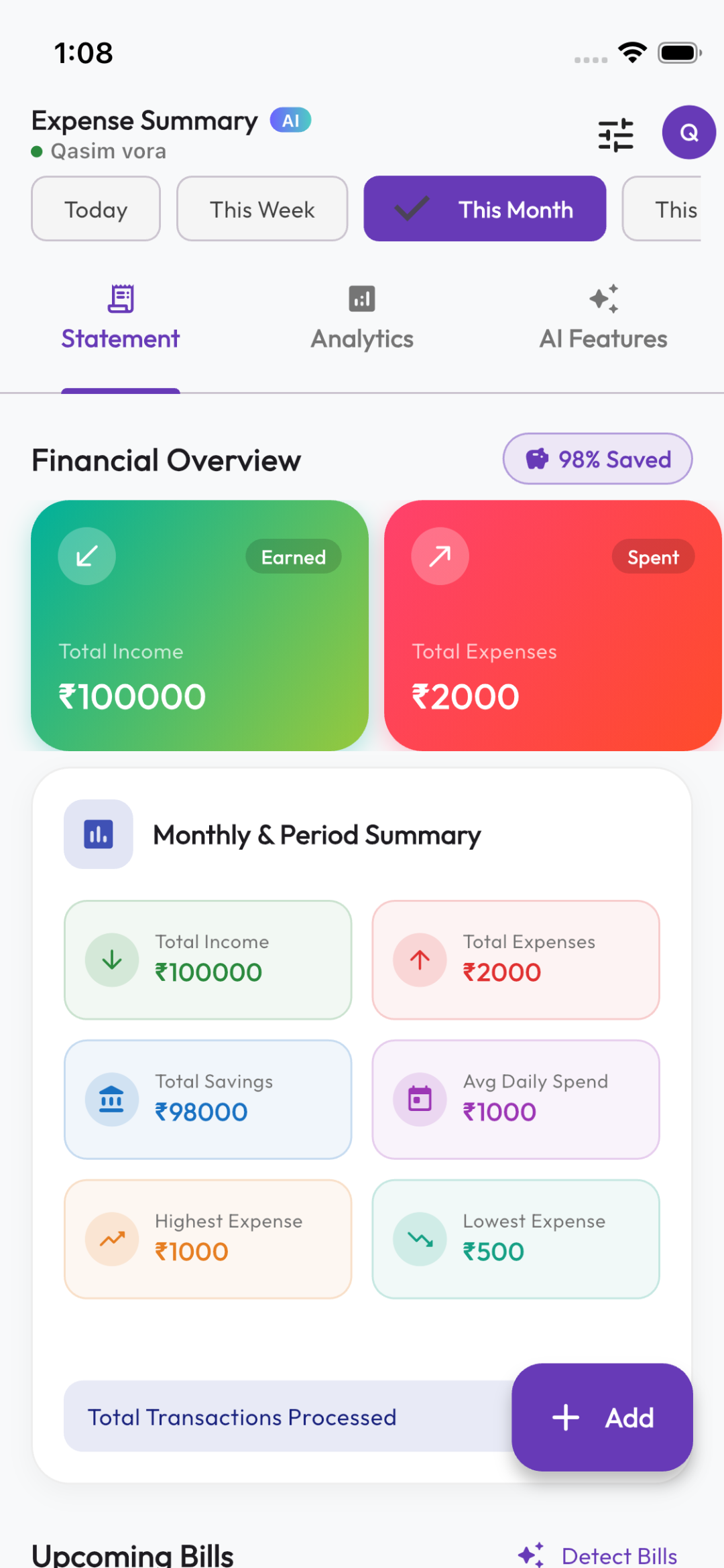
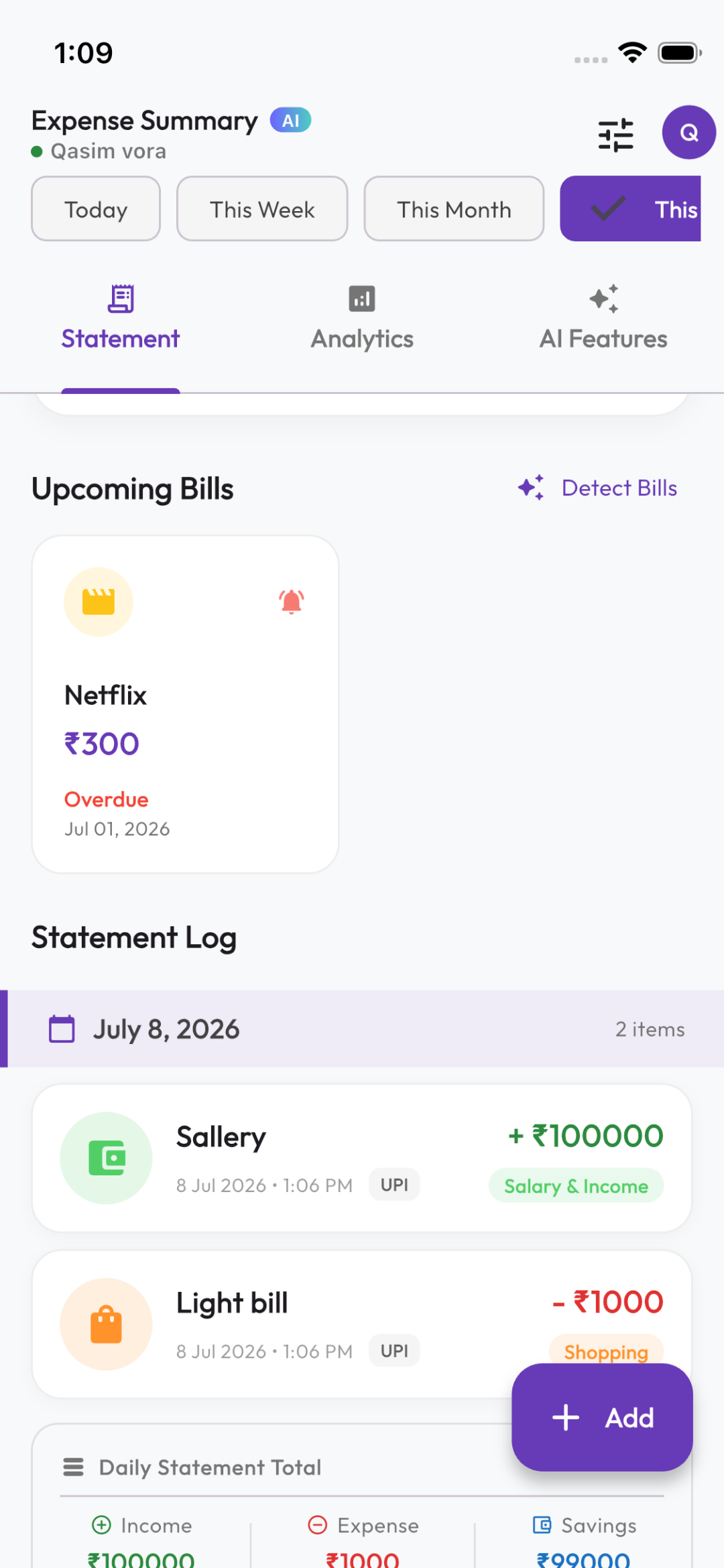
Smart Expense Dashboard Screenshot
100%
Secure Firebase Auth
Dual-Mode
Guest & Firestore Sync
8+
Fino AI Features
Styled
PDF & Excel Exports

Key Implemented Features

Analyze how the app manages, tracks, and simplifies your daily budgeting and transactions.

Authentication

Secure Unified Auth

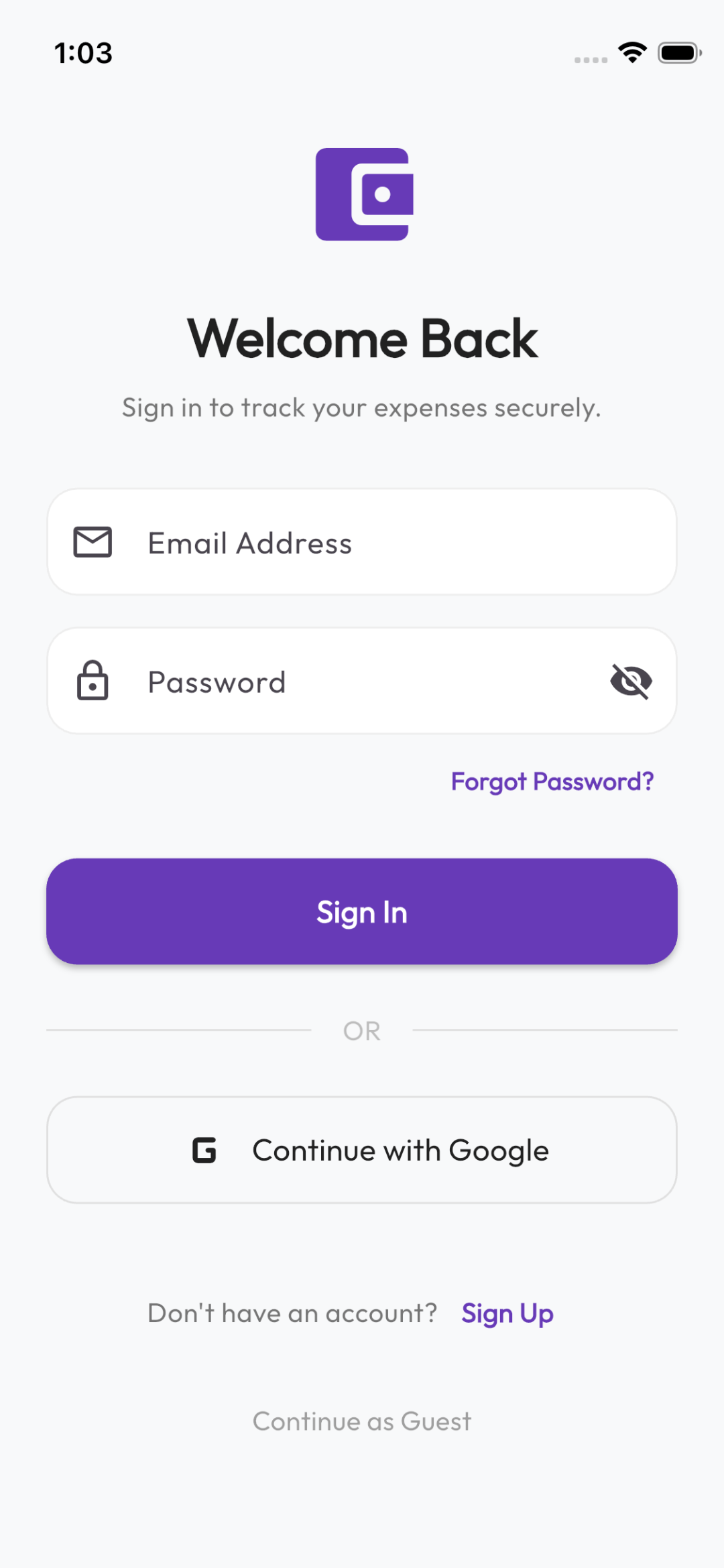
Supports email/password credentials, secure Google Sign-in integration, and instant password resets. Seamlessly syncs configuration preferences.

Data Control

Offline Guest Mode

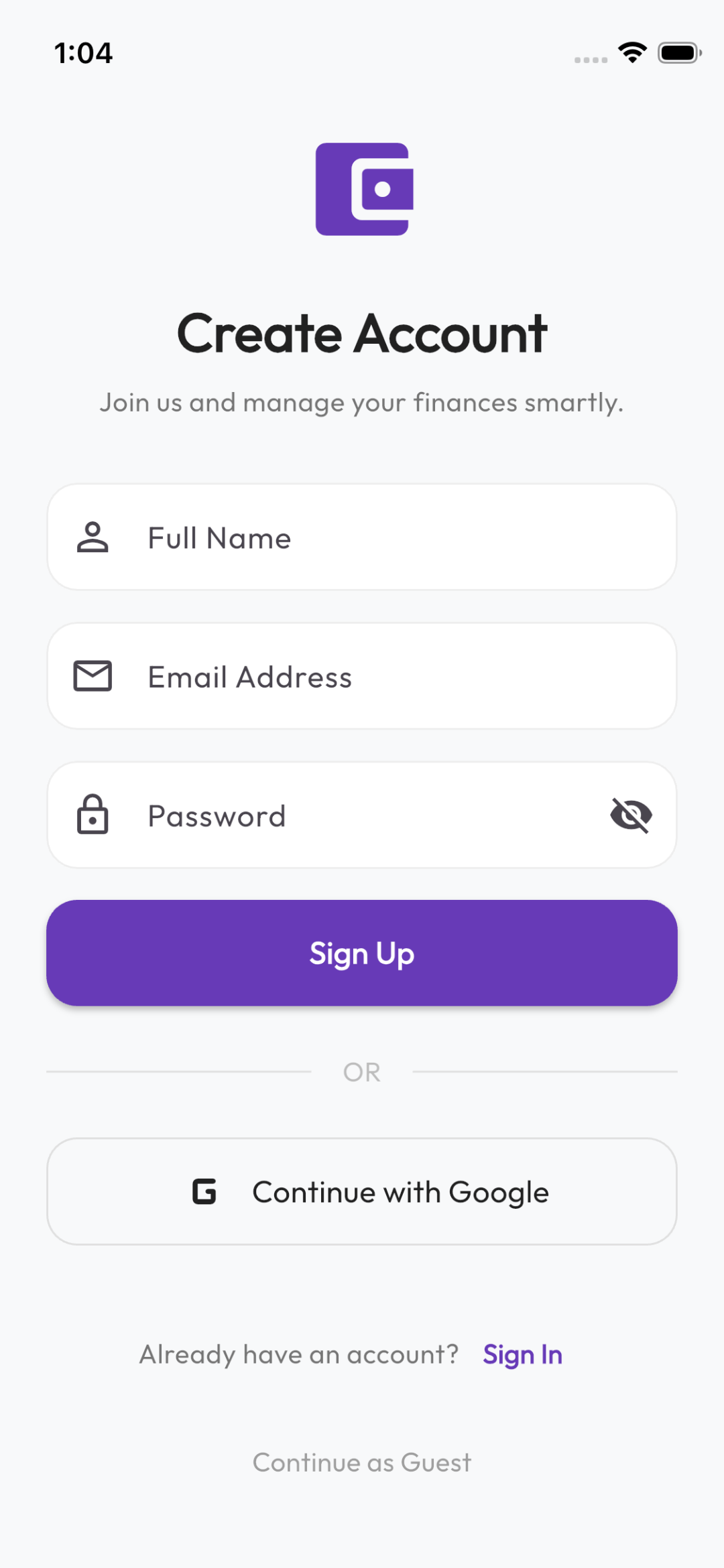
Try out the expense tracker immediately without an account. Operates completely offline, keeping data private until you choose to register.

Storage

Real-time Firestore Sync

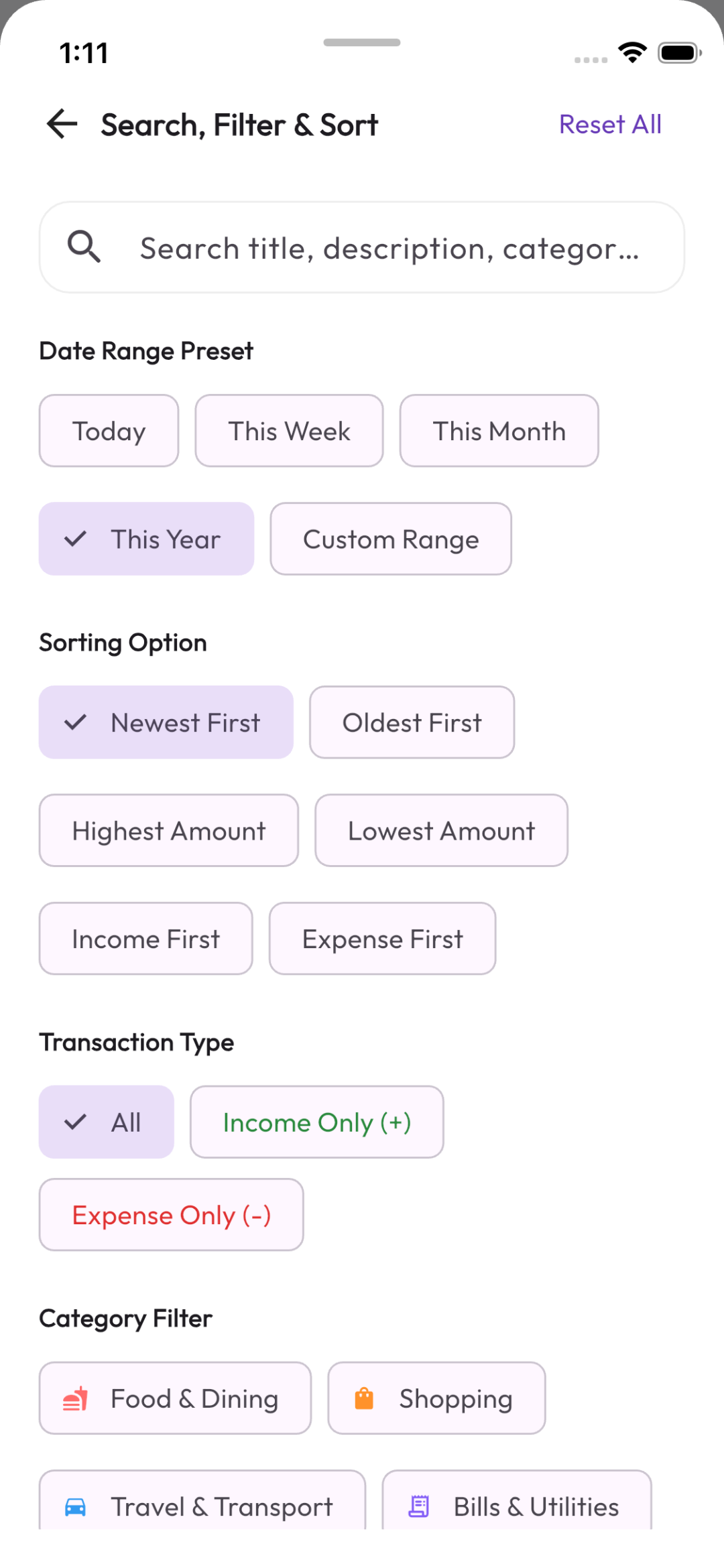
Your transactions, filters, and light/dark theme settings are instantly backed up to Firestore under isolated private documents.

Gemini AI

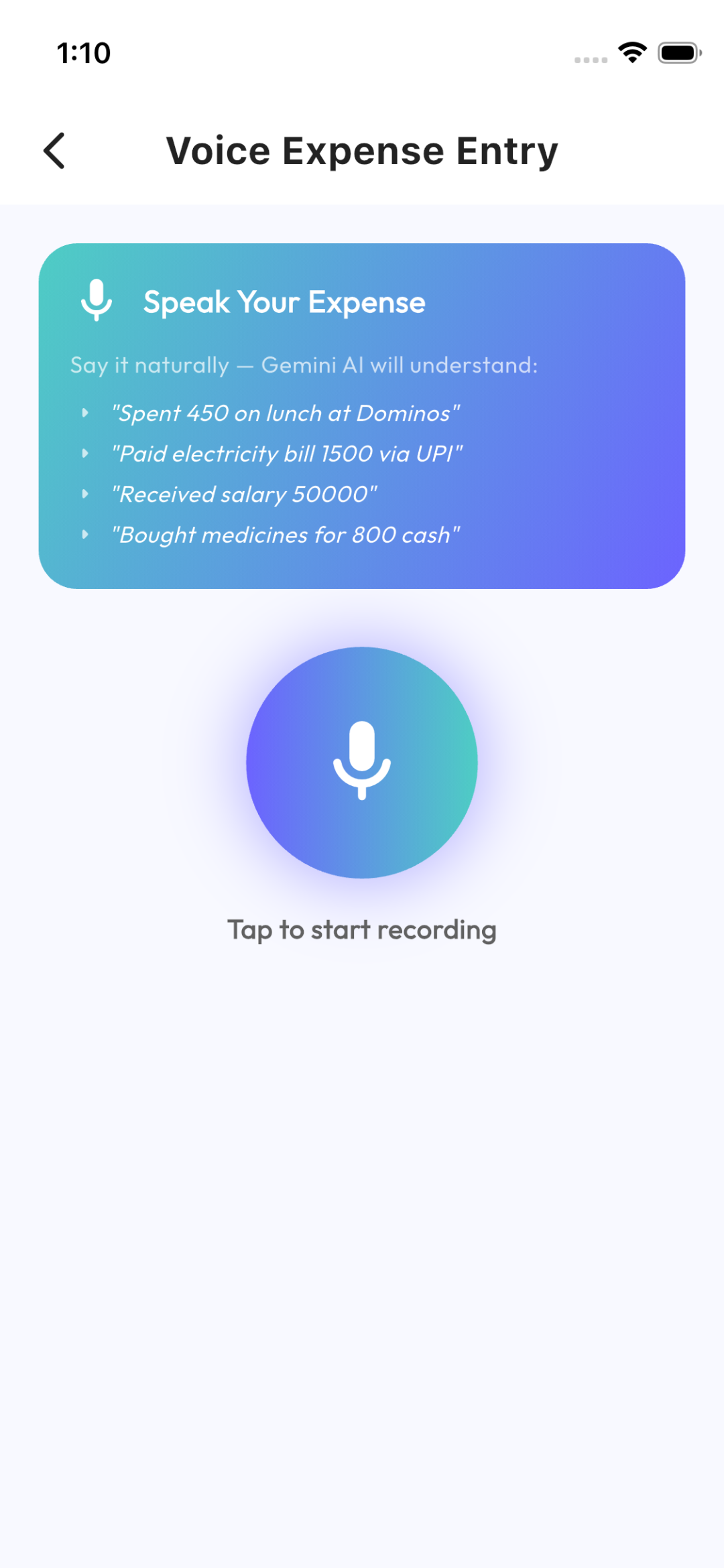
AI Voice expense Logging

Log transactions hands-free. Speak naturally, and Gemini AI extracts the merchant name, description, category, type, and total amount.

Gemini AI

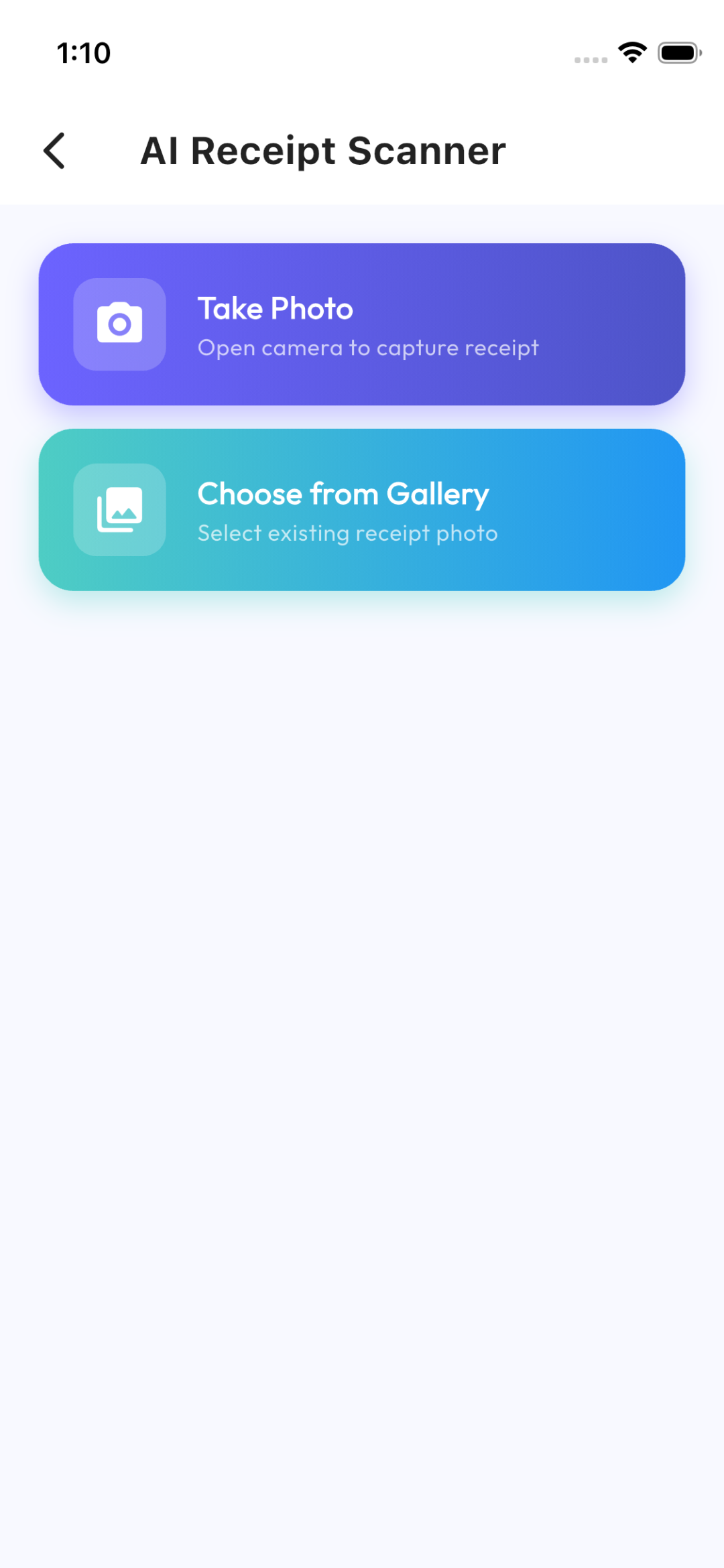
AI Receipt OCR Scanning

Snap a photo of a bill or upload an image from the gallery. Gemini Vision extracts store names, amounts, categories, and payment types instantly.

Gemini AI

Interactive Chatbot

Consult a dedicated AI financial assistant. Ask questions about your budget, savings tips, and spending habits based on your logged transactions.

Gemini AI

Recurring Bill Detection

Gemini automatically parses log entries to identify repeating subscriptions (Rent, Netflix, Spotify, Power) and forecasts next due dates.

Reporting

Styled Statement Exports

Export your transaction data into beautifully structured PDF sheets or Excel tabbed spreadsheets. Automatically saves directly to device downloads.

System

Download Notifications

Fires a native status bar notification on download completion. Tapping the notification opens the statements securely via native system handlers.

System & Updates

Smart In-App Updates

Check for new version releases directly inside settings. View detailed release notes, track real-time download progress, and get automatic FCM push notification alerts when updates are published.

Android Only

Automatic Bank & UPI SMS Detection

Automatically detect bank transaction alerts and UPI notifications directly from incoming SMS messages. Operates 100% on-device with zero server transmission, placing transactions into a pending review queue for 1-tap confirmation.

100% Free AI Features & Zero Subscriptions

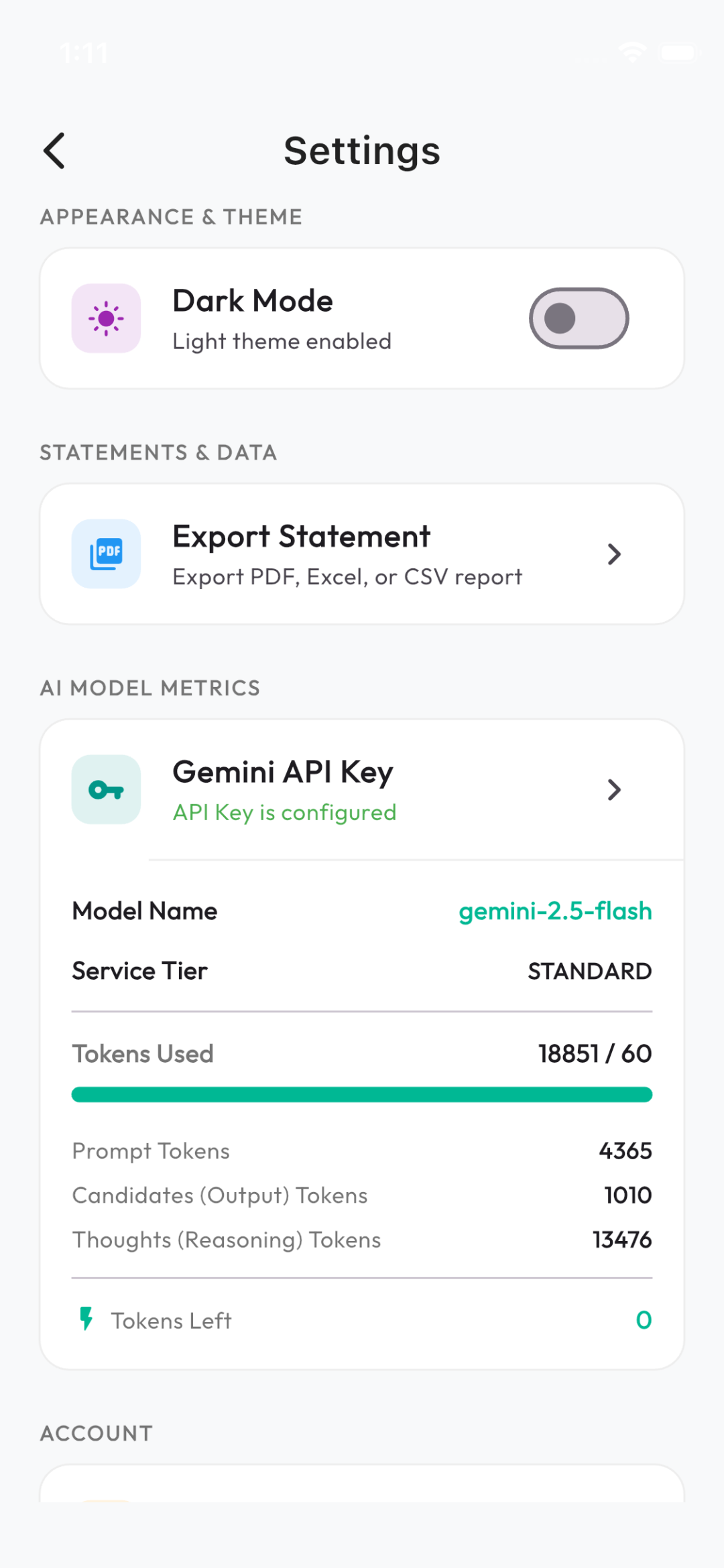
No monthly subscriptions, no paywalls, and no in-app purchases. All premium AI features run using your personal Google Gemini API Key.

No Subscription Model
Unlimited Access via API Key
$0 / forever

All AI tools including Voice Logging, Receipt OCR Scanning, AI Chatbot, Recurring Bill Detection, and Financial Summaries are completely unlocked without any app payments.

No In-App Purchases or Subscriptions
Direct Google Gemini AI Integration
Free Gemini API Key from Google AI Studio
Stored safely on your private Cloud account

How to Get & Setup Your Gemini API Key

Follow these simple steps to obtain your free Gemini API Key in less than 2 minutes:

1

Visit Google AI Studio

Go to aistudio.google.com and sign in with any Google account.

2

Generate API Key

Click on "Get API Key" in the menu, then select "Create API Key". Google provides a generous free tier for Gemini models.

3

Copy Your API Key

Copy the generated secret API key string (e.g. AIzaSy...) to your clipboard.

4

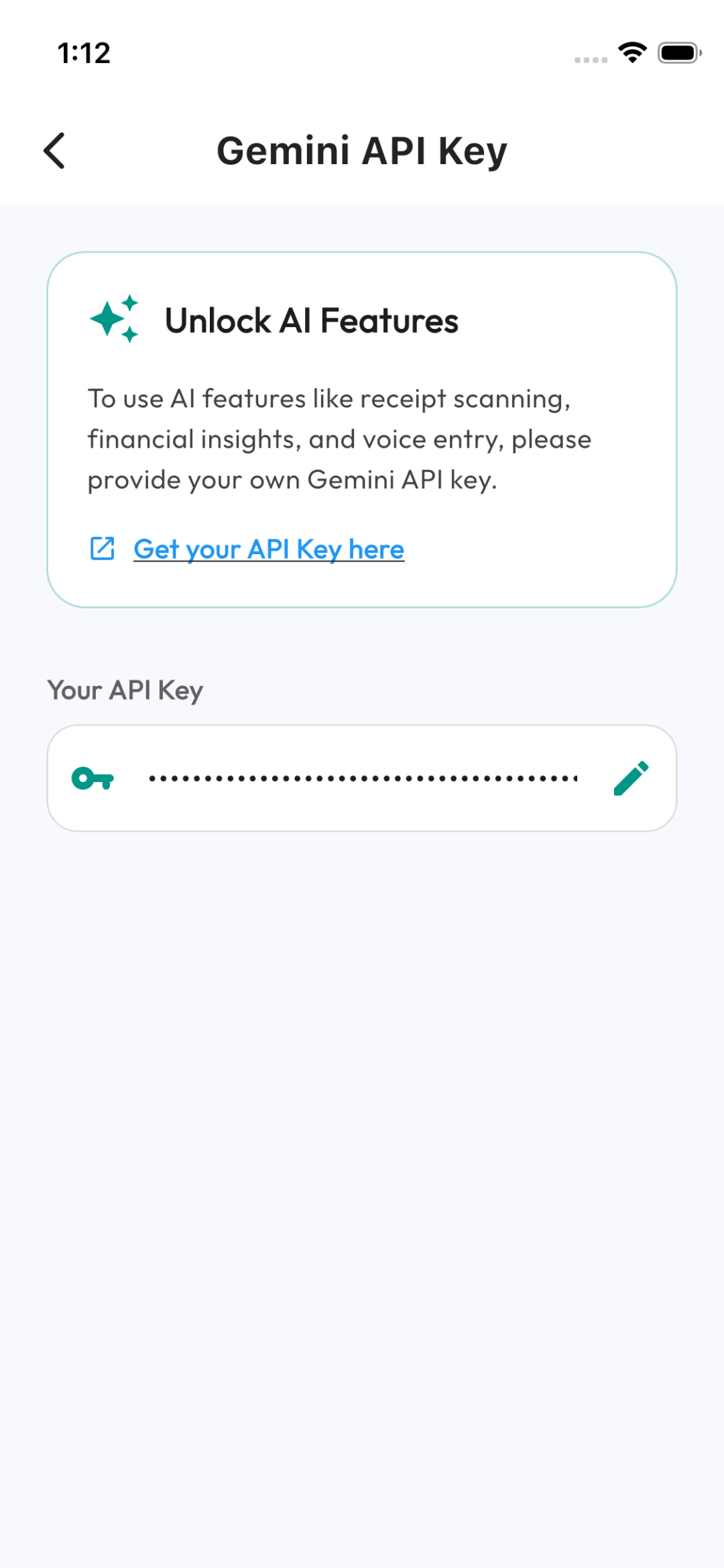
Paste in Smart Expense App

Open Smart Expense app, navigate to Settings → Gemini API Key, paste your key, and click Save. All AI features activate immediately!

Android Restricted Permissions Setup Guide

Sideloaded APK apps on Android 13, 14 & 15 automatically block sensitive permissions (such as SMS reading) under Restricted Settings by default. Follow these simple steps to enable automatic bank SMS tracking.

How to Allow Restricted Settings on Android 13+

If Android shows "Restricted setting - For your security, this setting is currently unavailable" when enabling SMS permissions, unblock it in less than 15 seconds:

1

Open App Info

Go to your phone Settings → Apps → Smart Expense (or long-press the Smart Expense app icon on your home screen and tap App Info ⓘ).

2

Tap Top Right Menu (⋮)

In the top right corner of the App Info screen, tap the Three Dots (⋮) menu icon.

3

Select "Allow restricted settings"

Tap "Allow restricted settings" from the dropdown menu, and confirm with your device PIN, pattern, or fingerprint scanner.

4

Enable SMS Auto-Import

Re-open Smart Expense → Settings → Auto-Import Bank SMS and toggle it ON. Grant the native SMS permission prompt to begin automatic bank alert tracking!

App Screenshots

Take a closer look at the premium user interface of Smart Expense Tracker.

Dynamic Home Dashboard

Shows total balance, income vs expense breakdowns, live interactive charts, and recent transaction logs.

Get Started Today

Download the latest release APK of Smart Expense to try all these features first-hand on your Android device. Fast, secure, and offline-compatible.

App Version 1.0.0
File Size 58.6 MB
OS Support Android 8.0+